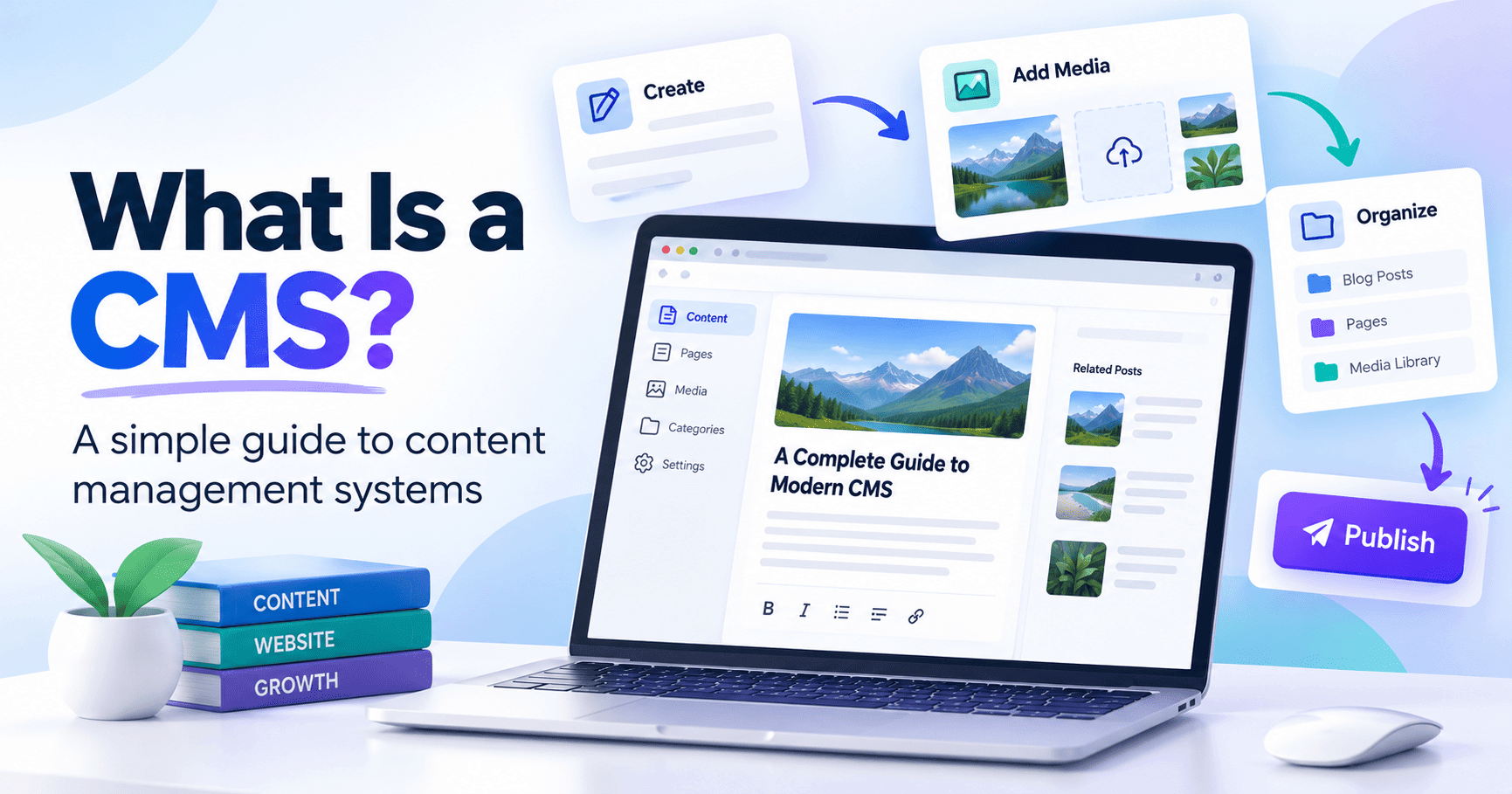
Learn what a CMS is, how a content management system works, its key features, benefits, types, examples, and how businesses use CMS platforms to create and manage websites without complex coding.
What Is a CMS? How a Content Management System Works
A CMS, or Content Management System, is software that allows businesses and website owners to create, edit, organize, and publish website content without manually coding every page. A modern CMS makes website management much easier by giving users a central dashboard for handling pages, blog posts, images, videos, SEO settings, categories, users, and other digital content. If you have ever published a blog article through WordPress, added a product in Shopify, or edited a page using Webflow, you have already used some form of content management system. In this guide, you will learn what a CMS is, how a CMS works, the different types of CMS platforms, their benefits, popular examples, and how to choose the right CMS for your website.
What Is a CMS?
CMS stands for Content Management System. It is a software platform used to create and manage digital content through an administrative interface. Instead of opening website files and editing HTML manually, a CMS allows you to log into a dashboard, create a page, add content, upload images, configure SEO settings, and publish the page directly to your website. For example, a blog editor inside a CMS may allow you to enter a title, add headings, write paragraphs, upload a featured image, choose a category, set a meta title, add a meta description, define a canonical URL, and publish the article from one screen. This makes content management much more accessible to marketing teams, editors, business owners, bloggers, and other users who may not have advanced programming knowledge.
What Does CMS Mean in Website Development?
In website development, a Content Management System acts as the layer between the website owner and the technical website infrastructure. The CMS stores and manages content while the website theme or front-end design controls how that content appears to visitors. For example, you may write an article inside the CMS editor. The CMS stores the article title, body content, featured image, author information, category, and SEO data. When someone visits the page, the website retrieves this information and displays it using the site's design template. This separation allows businesses to update website content without redesigning or rebuilding the entire website.
How Does a CMS Work?
A CMS usually works through two connected systems: the content management interface and the content delivery system. The content management interface is the dashboard where administrators, writers, or editors create and update content. The content delivery system works behind the scenes and displays that content on the website. A typical CMS workflow looks like this: Create content → Save content → Organize content → Apply website template → Publish content → Display it to visitors When you create a blog article, the CMS saves the information in a database or content repository. When a visitor opens that article, the CMS retrieves the information and combines it with the website template before displaying the final page. This process allows hundreds or even thousands of pages to use the same design system while maintaining different content.
What Can You Manage With a CMS?
A modern CMS can manage almost every important part of a content-driven website. Website administrators can typically create pages, publish blog articles, manage media files, organize categories, update website navigation, control users, add products, manage URLs, and configure SEO information. More advanced content management systems may also include workflow approvals, content scheduling, multilingual publishing, custom fields, API access, structured data controls, analytics integrations, and marketing automation. This makes a CMS useful for small business websites as well as large enterprise platforms.
Why Do Businesses Use a Content Management System?
The biggest advantage of a CMS is that it makes website management more efficient. Without a CMS, many simple website updates may require a developer to modify code or website files manually. With a CMS, authorized users can manage the majority of routine website content through an easy-to-use dashboard. A content management system can also improve collaboration. Writers can create content, editors can review it, SEO specialists can optimize metadata, and administrators can publish the finished article without giving every user full technical access to the website. For growing websites, this structured workflow becomes increasingly important.
Main Benefits of Using a CMS
A well-designed CMS reduces the technical complexity of managing a website. It allows teams to publish new content faster, maintain consistent website layouts, manage large amounts of information, and make changes without rebuilding individual pages. A CMS can also support search engine optimization by providing fields for titles, descriptions, URLs, image alt text, canonical URLs, schema settings, and other SEO elements. Another major benefit is scalability. As a website grows from ten pages to hundreds or thousands of pages, a CMS provides a structured system for organizing that content.
Popular CMS Examples
There are many content management systems available, each designed for different requirements. WordPress is widely used for blogs, company websites, publishing platforms, and many other types of sites. Shopify focuses primarily on e-commerce and online store management. Drupal is often used for complex websites that require advanced permissions, content structures, or enterprise-level functionality. Joomla is an open-source content management system used for a variety of websites. Webflow combines visual website design with CMS functionality. Wix provides website-building and content-management features through a visual interface. When choosing between these platforms, the most important consideration is not simply popularity. The platform should match the website's technical requirements, publishing workflow, SEO needs, expected traffic, and future growth.
Frequently Asked Questions About CMS
What is a CMS in simple terms?
A CMS is software that allows users to create, edit, organize, and publish website content from an administrative dashboard without manually coding every page.
What does CMS stand for?
CMS stands for Content Management System.
What is the main purpose of a CMS?
The main purpose of a CMS is to make website content easier to manage. It provides a centralized system for creating, organizing, updating, and publishing digital content.
How does a CMS work?
A CMS stores website content in a database or content repository. When someone visits a page, the system retrieves the relevant content, combines it with a website template, and displays the finished page.
What are examples of CMS platforms?
Examples include WordPress, Shopify, Drupal, Joomla, Webflow, Wix, Contentful, Strapi, and Sanity.
Build and Manage Your Website With the Right CMS
The right Content Management System can make your website easier to manage, faster to update, and more scalable as your business grows. Whether you need a business website, blog, e-commerce store, or custom content platform, your CMS should support easy publishing, strong SEO controls, secure website management, and future expansion. Need help choosing, designing, or developing the right CMS for your website? Contact our team to discuss your website requirements and build a CMS solution designed around your business goals.

I build websites on WordPress, Shopify and React, then handle the SEO that gets them found. If something here raised a question, ask me. I answer every one.
Ask a question